NetMirror on Android TV — Installation & Setup Guide
Install NetMirror on Google TV, Sony Bravia, Mi Box, NVIDIA Shield, and any Android TV device. Remote control optimized. Big screen streaming.
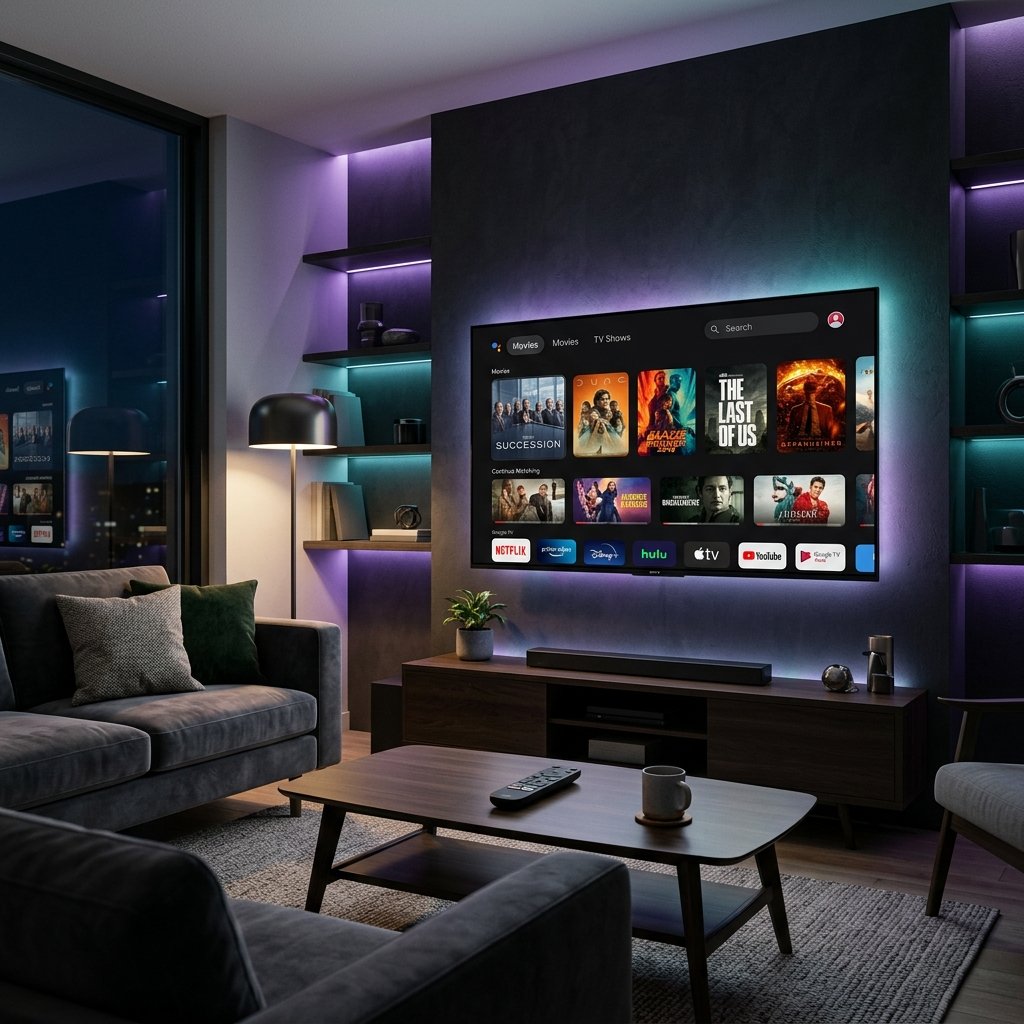
Supported TV Devices
Google TV / Chromecast
Chromecast with Google TV (HD & 4K). Full D-pad remote support.
✓ SupportedSmart TVs
Sony Bravia, Philips, TCL, Hisense, and other Android TV-based smart TVs.
✓ SupportedTV Boxes
Xiaomi Mi Box S, NVIDIA Shield TV, Mecool, and generic Android TV boxes.
✓ RecommendedHow to Install NetMirror on Android TV
Three methods — choose the one that suits your setup best.
Method 1: Send Files to TV (Easiest)
Install "Send Files to TV" on Both Devices
Download from Google Play Store on your Android phone and from Google Play on your Android TV. Both devices must be on the same WiFi network.
Enable Unknown Sources on TV
Settings → Device Preferences → Security & Restrictions → Unknown Sources. Enable for the file manager or Send Files to TV app.
Transfer & Install
On your phone: Send Files to TV → Send → select NetMirror APK. On TV: Send Files to TV → Receive. Once transferred, tap the file to install.
Method 2: USB Drive
Copy APK to USB
Download NetMirror APK on your computer and copy it to a USB flash drive. FAT32 format works best with Android TV.
Plug USB Into TV
Insert the USB drive into your Android TV or TV box. Open a file manager (install one from Play Store if needed — X-plore or Solid Explorer work well).
Navigate & Install
Browse to the USB drive, find NetMirror APK, tap it and select Install. Remove the USB drive afterward.
Method 3: Direct Browser Download
Open Browser on TV
Install a web browser from the Play Store on your Android TV (Puffin TV is designed for TV). Navigate to netmirrorapk.com and download the APK directly.
Get the Best Experience on TV
📺 Set Quality to Auto
Auto mode streams at the highest quality your connection supports. On wired connections (Ethernet), you'll get consistent 4K. On WiFi, it adapts between 1080p and 4K based on signal strength.
🔌 Use Wired Ethernet
For 4K without buffering, use an Ethernet adapter. Google TV, NVIDIA Shield, and Mi Box all support USB-C or Micro USB Ethernet adapters for stable, high-speed streaming.
🎮 Remote Navigation
Use the directional pad to navigate. Press the center button to select. Use the back button to go back. Voice search works — press the microphone button and say the title you're looking for.
🌐 Add a VPN
Install ExpressVPN or NordVPN directly from the Play Store on your Android TV. This encrypts your traffic and can help access geo-restricted content libraries.
Android TV FAQs
More NetMirror Guides
🔥 Install on Amazon Firestick
Sideload NetMirror on any Firestick model using the Downloader app. Complete remote control instructions.
Read Firestick Guide →🛡️ Is NetMirror APK Safe?
VirusTotal scan results (0/68 clean), full permission breakdown, and SHA-256 checksum for file verification.
Read Safety Report →⚔️ Best Streaming APK Compared
NetMirror vs Pikashow vs TeaTV — features, safety, and ads compared side-by-side.
Read Comparison →Need the phone guide? Read our Android installation tutorial. Having issues? Check our troubleshooting guide. See all NetMirror versions.
Get NetMirror on Your TV
Big screen streaming. 4K quality. Zero ads. Free forever.
Download NetMirror APK Free